
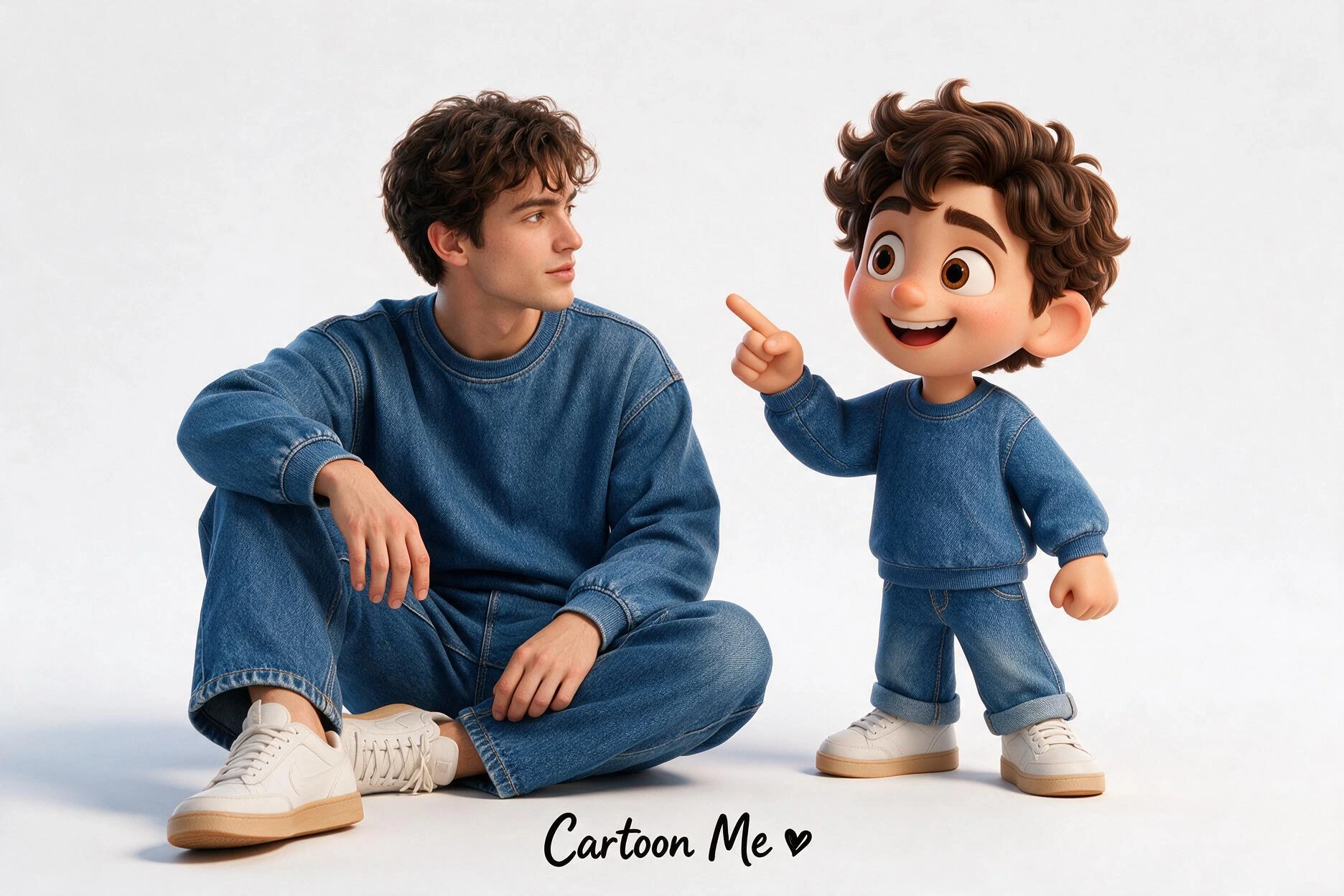
AI Image Prompts
Browse, Remix & Generate with Real Results
- 01Browse real results
- 02Remix a prompt
- 03Generate your version
Featured Prompt Styles
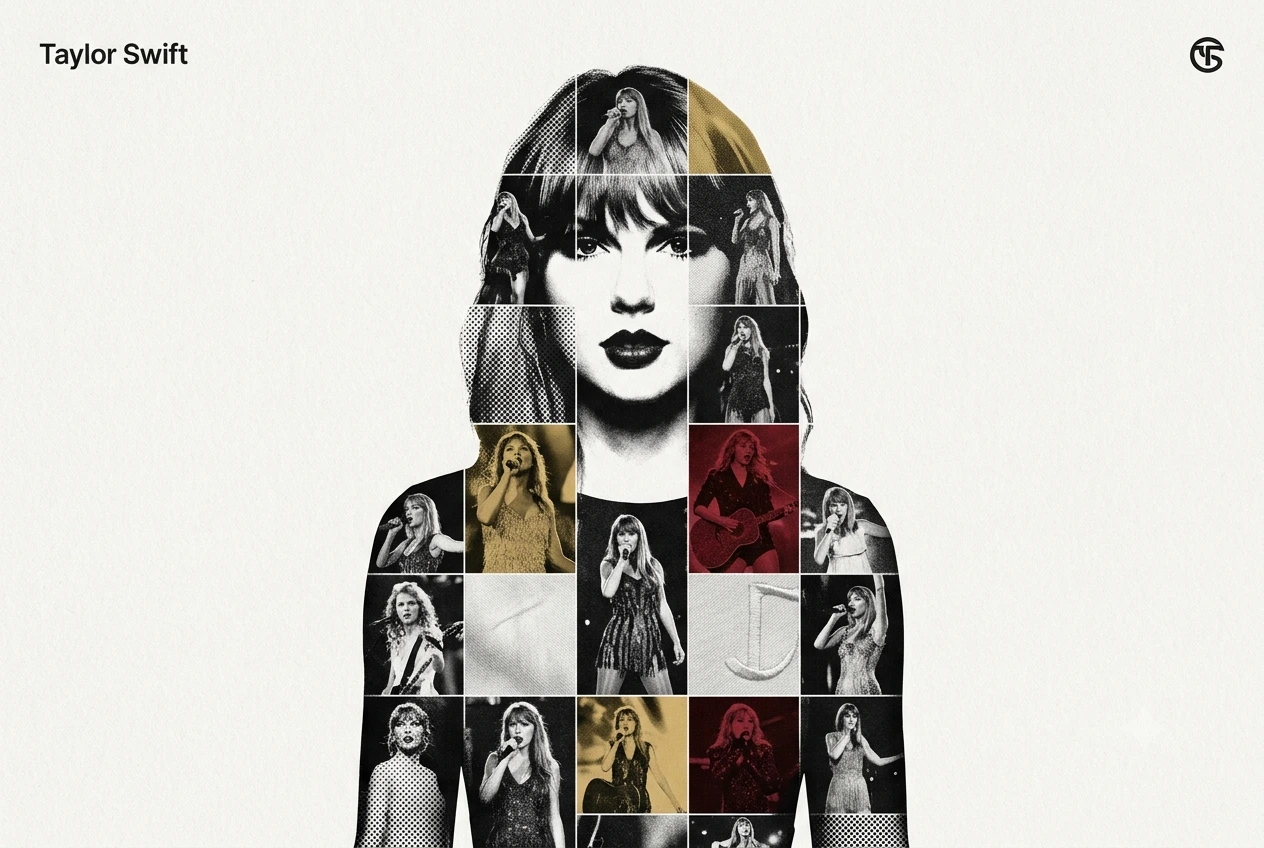
Mosaic AI Prompts9 prompts
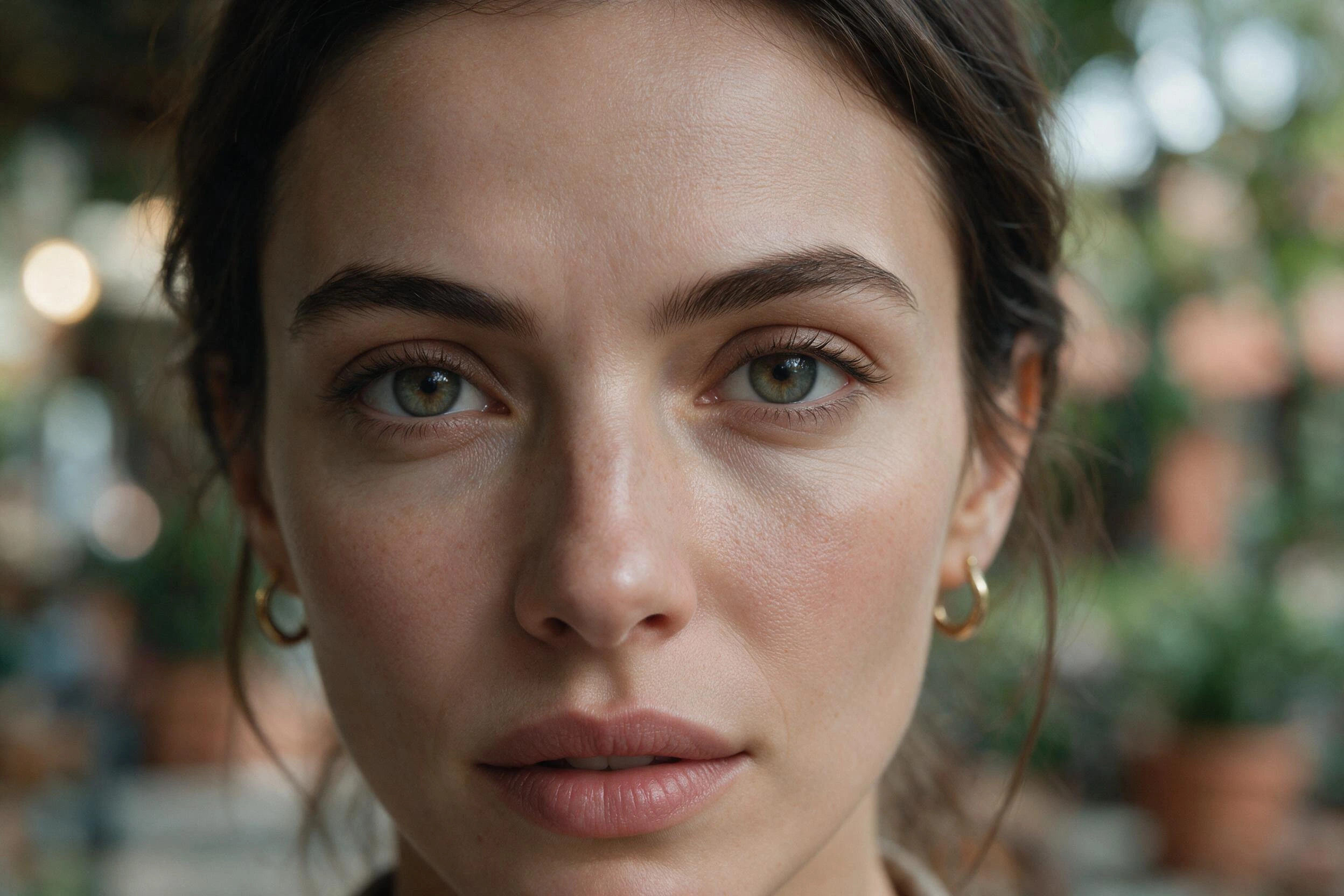
Realistic AI Prompts131 prompts
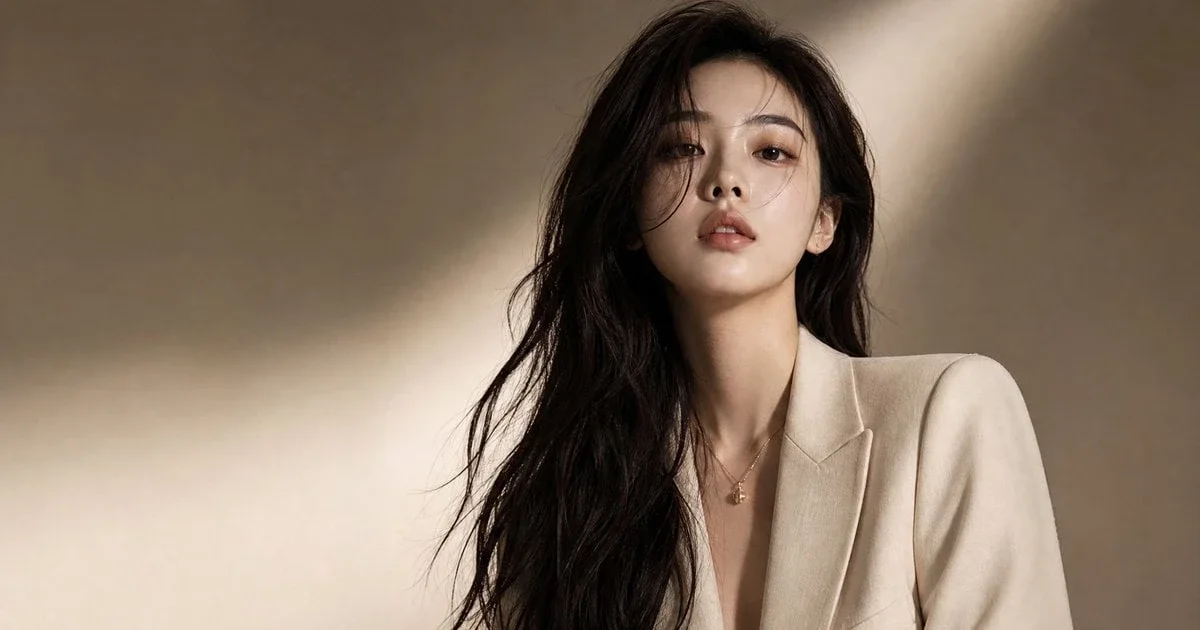
ChatGPT Photo Prompts242 prompts
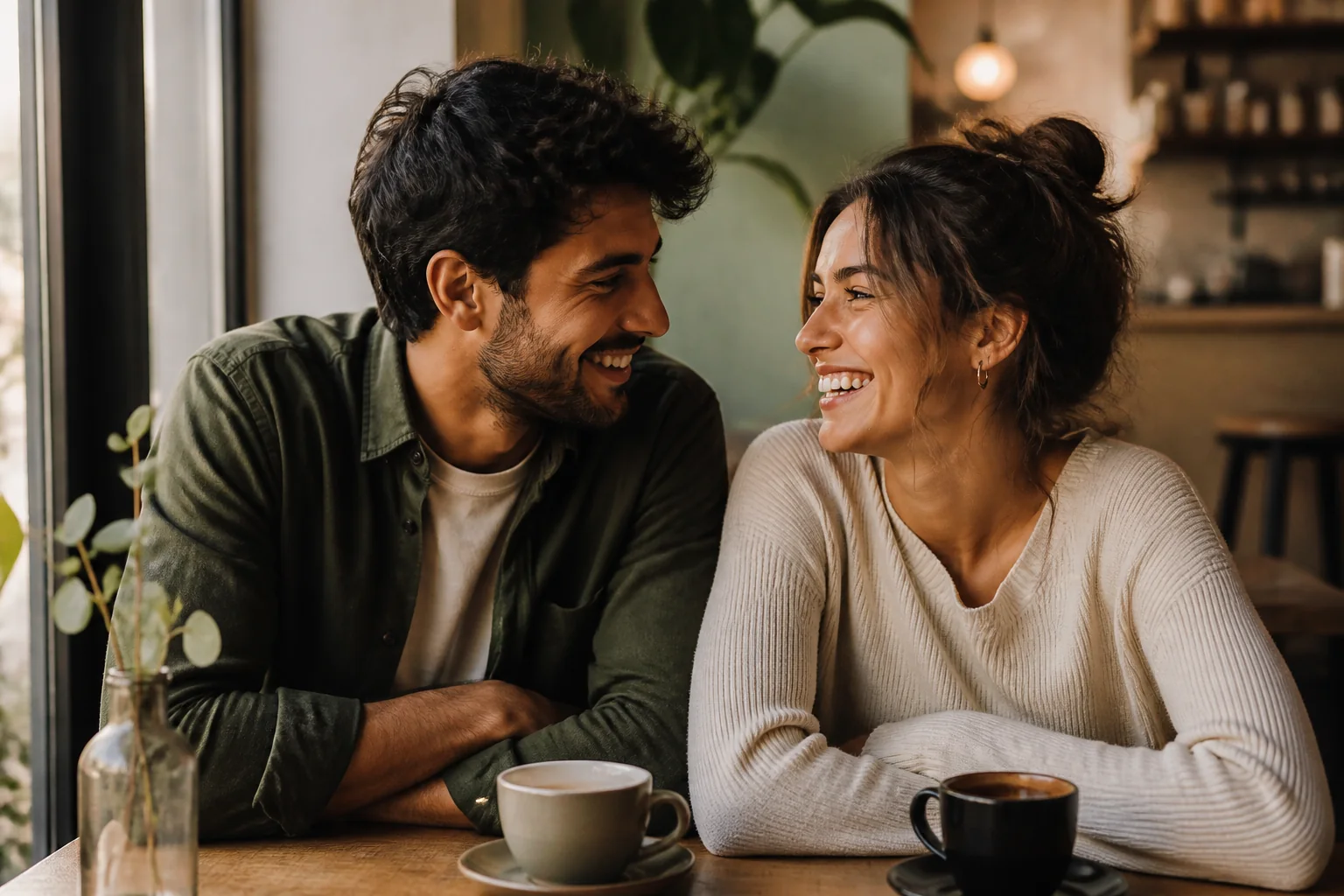
AI Prompts for Couples26 prompts
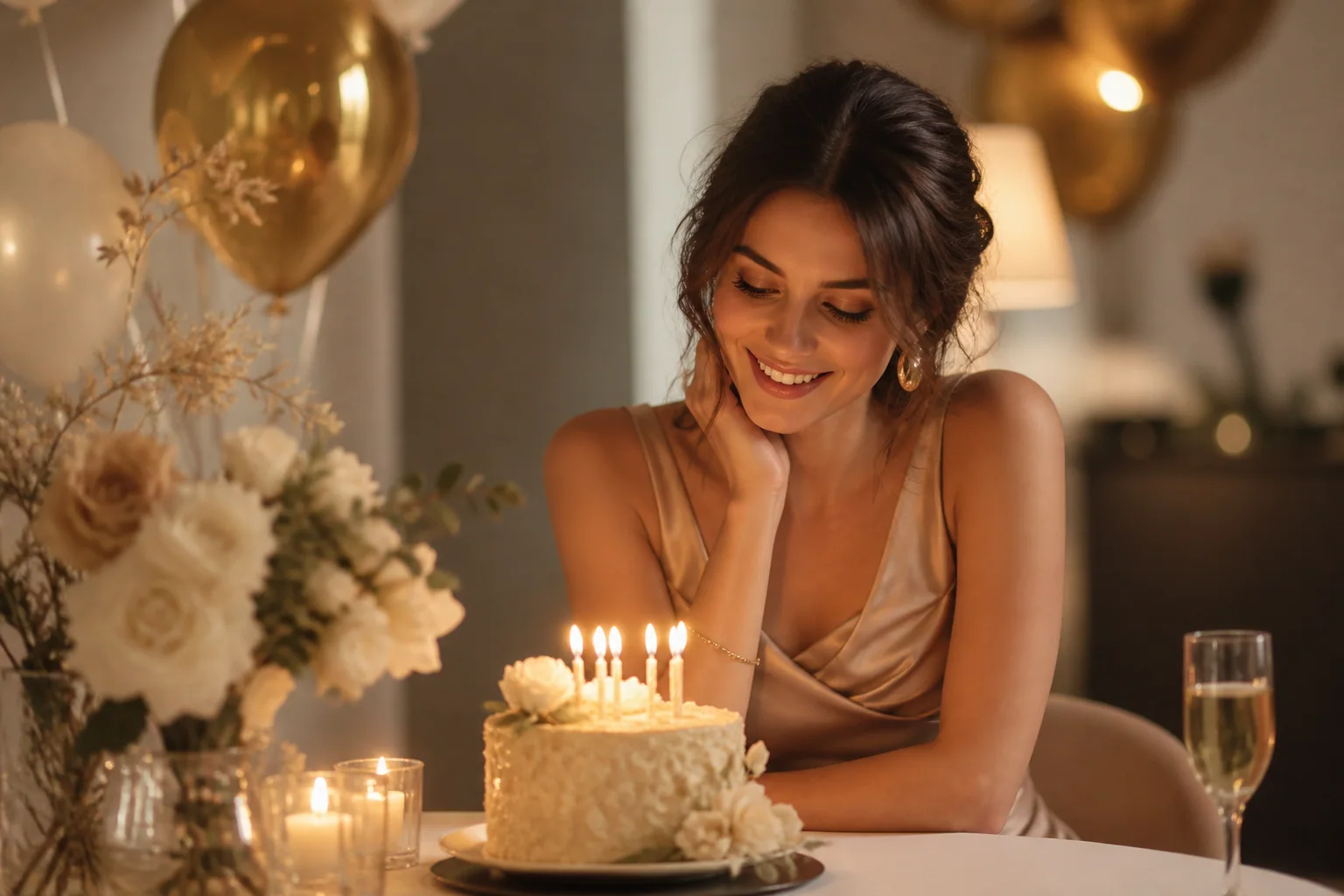
AI Birthday Photo Prompts16 prompts
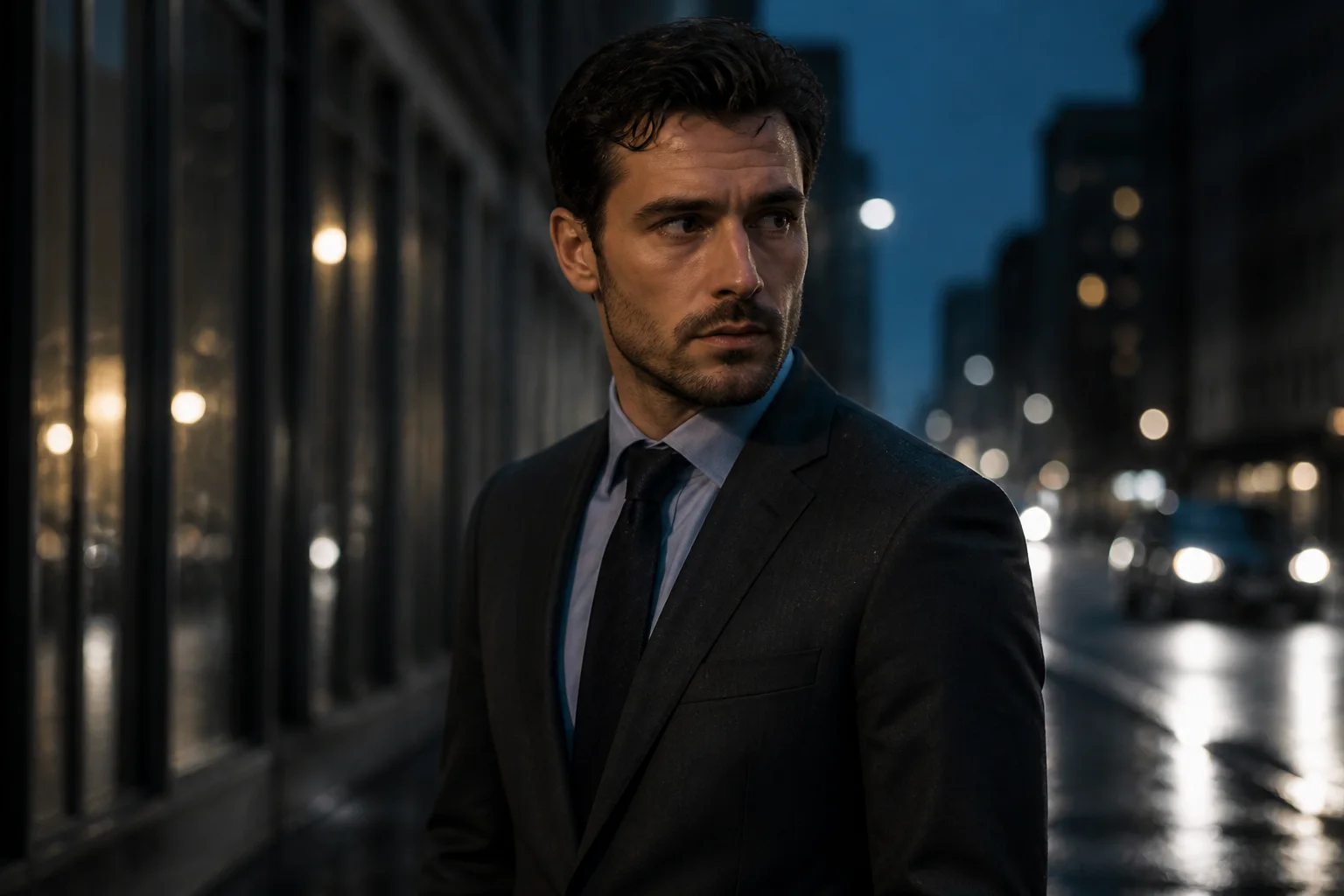
AI Prompts for Men20 prompts
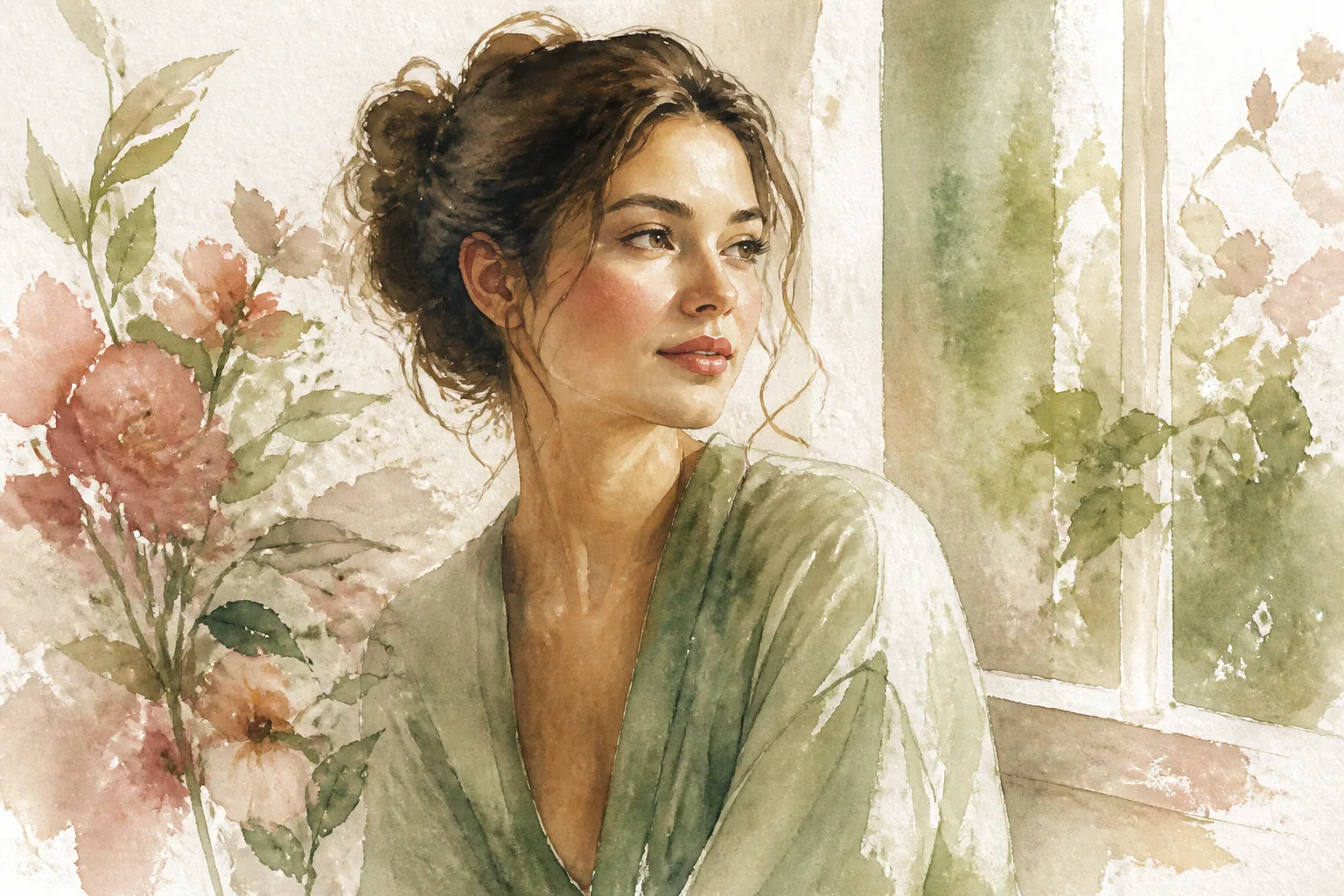
Watercolor AI Prompts16 prompts
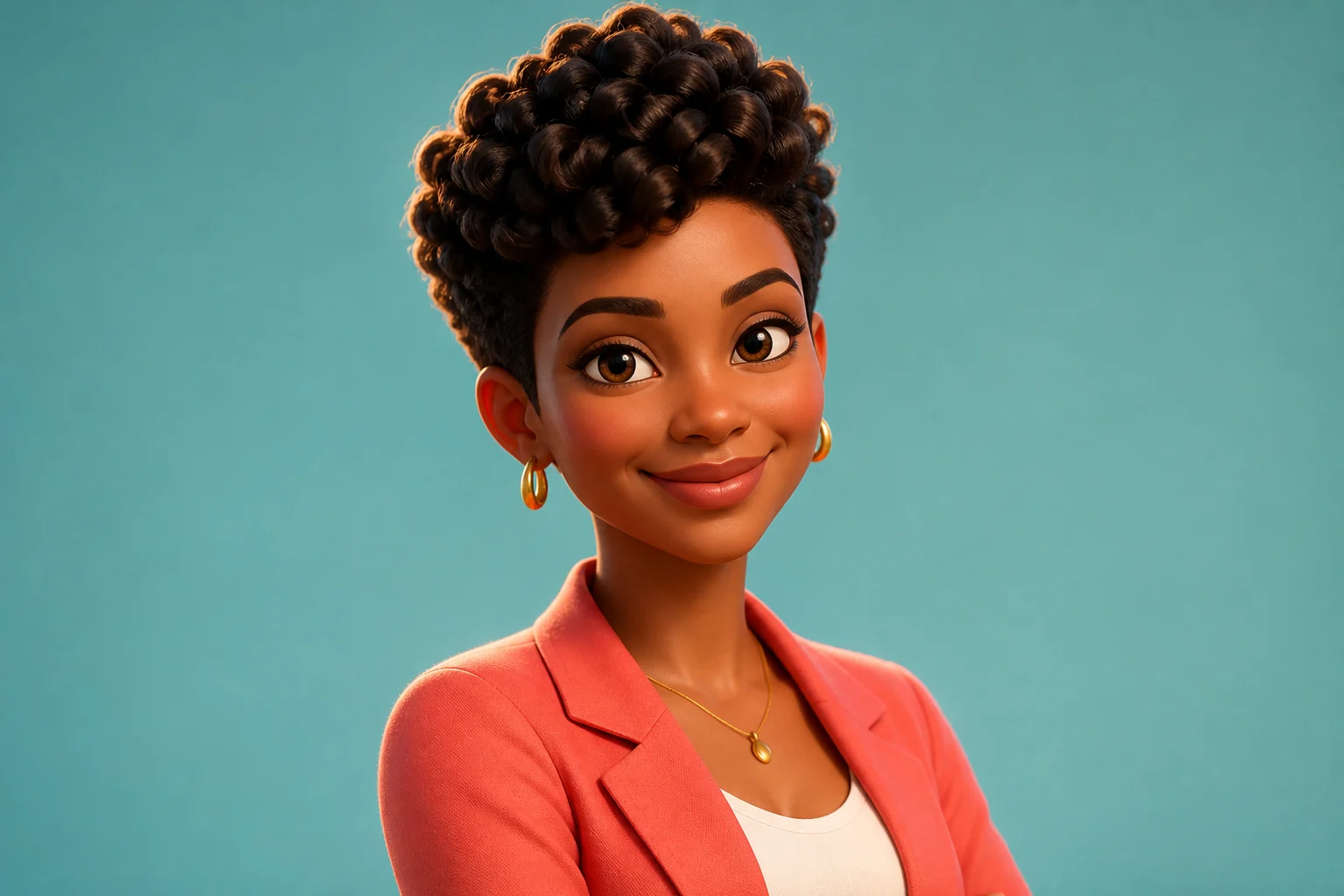
3D Render AI Prompts38 prompts
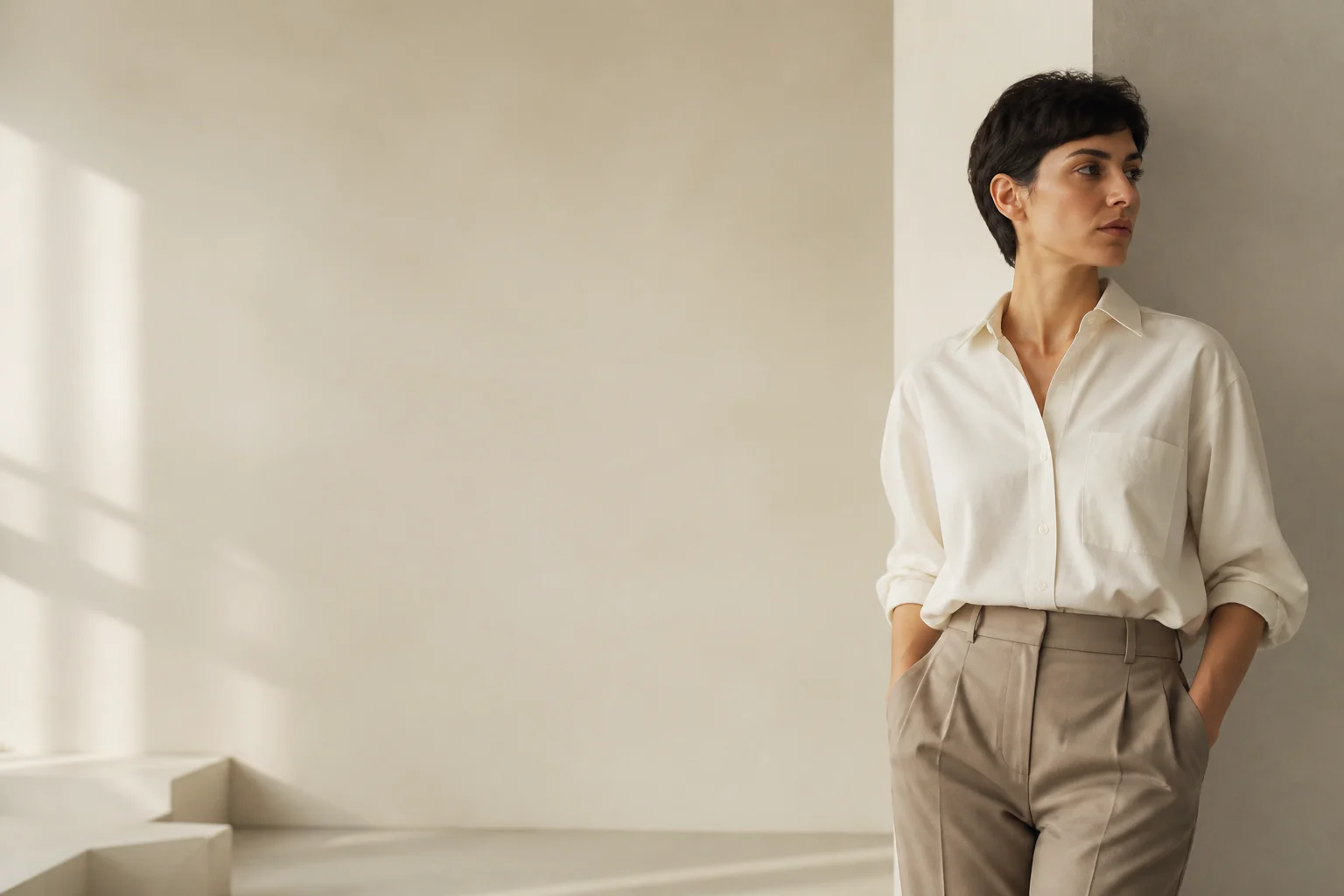
Minimalist AI Prompts19 prompts
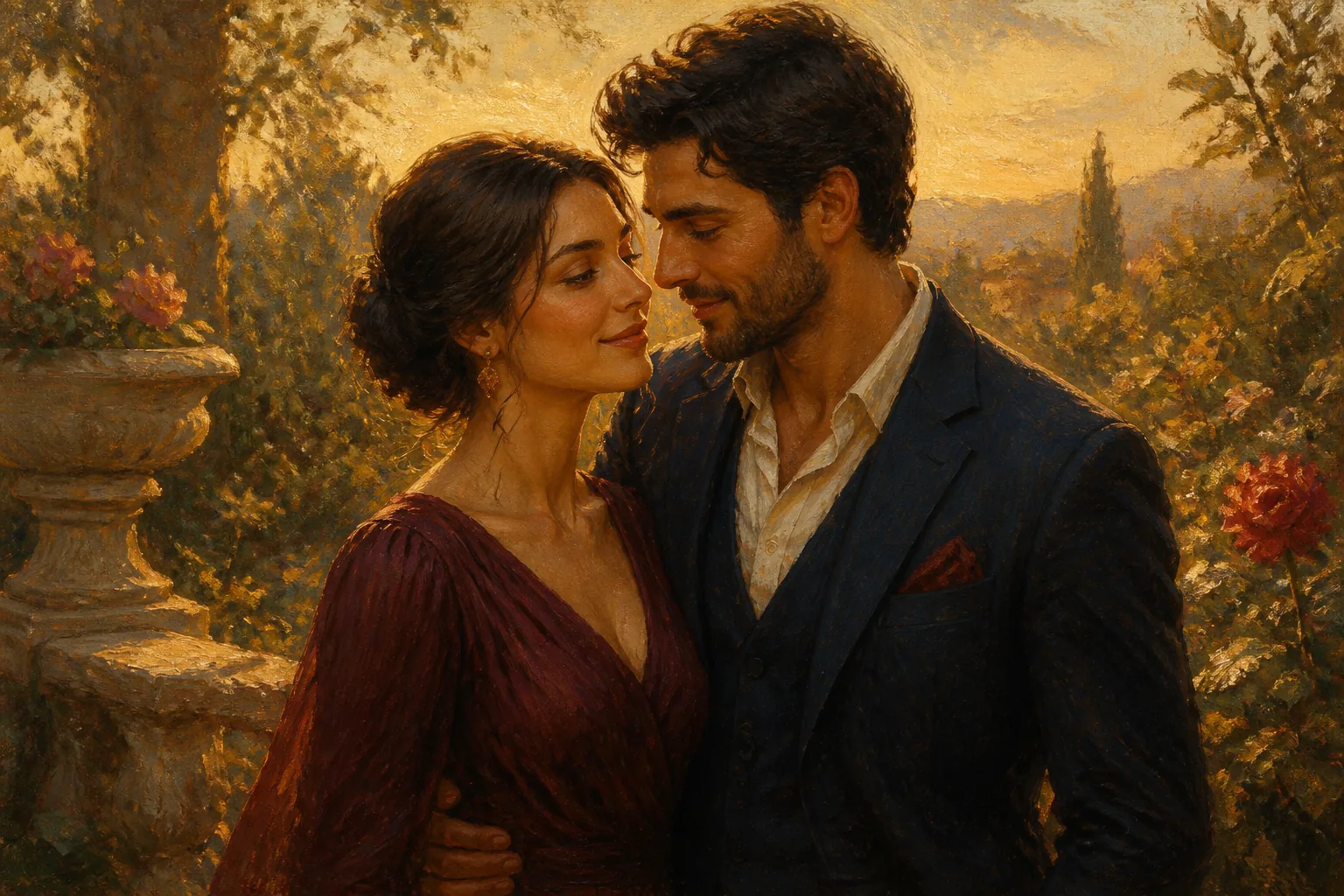
Oil Painting AI Prompts16 prompts
ChatGPT Photo Editing Prompts18 prompts
Explore, Remix, and Generate from Creator-Made Prompts
Start with a real image and the prompt behind it. Study the structure, adapt the details, or send the prompt straight to the generator to make it your own.





Key features of Magggic AI Image Generator
A focused image workflow with references, real task records, and reliable results.
Multi-reference creation
Combine several visual cues to guide subjects, style, and composition.
Precise creative control
Choose model, aspect ratio, resolution, and output count in one place.
Clear prompt understanding
Turn detailed descriptions of subjects, scenes, styles, and text into a clear visual direction.
Fast creative iteration
Generate several directions quickly, compare results, and keep refining in one creative flow.
Keep building on your work
Reuse any creation as a template or reference while keeping a visual series consistent.
Real generation workflow
Outputs, credit charges, refunds, notifications, and assets stay in sync.
What creators say about Magggic
See how different creative roles turn ideas into clear visual directions.
“References, aspect ratio, and resolution all live in one panel. Exploring directions feels effortless.”
 Product designerProduct & experience
“It keeps the creative process out of the way, so I can focus on the idea and the result.”
 Visual creatorVisual & brand
“Reusing an existing piece as a template or reference makes visual continuity much easier.”
 Film directorVisual storytelling
“I can explore different backgrounds and compositions for the same product, so the team sees a complete direction sooner.”
 E-commerce designerProduct visuals
“Landing-page visuals and product mockups stay in one workflow, which makes the whole build feel more continuous.”
 Indie developerProduct building
“References help keep color and mood aligned, so a full set of assets feels like one visual system.”
 Brand designerBrand systems
“When an idea lands, I can make a first visual immediately and keep iterating without getting lost in settings.”
 Content creatorShort-form content
“Using several references together gives me much better control over the relationship between character, material, and environment.”
 Concept artistCharacters & worlds
“One campaign idea can quickly expand into several formats and visual directions, which makes weekly planning easier.”
 Social media managerContent operations
“I use test shots as references to explore lighting and sets, making pre-production conversations much more visual.”
 PhotographerCommercial photography
“The transition from rough sketch to atmosphere studies feels natural, which is ideal for early world-building decisions.”
 Game artistGame concept design
“Turning written concepts into a few visual routes helps clients and creative teams discuss the same idea much sooner.”
 Creative strategistCampaign concepts
Frequently Asked Questions
Learn how to browse real results, remix prompts, use reference images, and create your own version.
What is Magggic?
Magggic is an AI image creation platform built around real generated results. Browse images and prompts, choose a direction you like, click Remix, and create a new version with your own text or reference image.
How does Remix work?
Click Remix on an artwork page to bring its prompt and generation settings into the generator. Use them as they are or adjust the prompt, model, aspect ratio, and other settings before creating your own version.
Do I need to know how to write AI prompts?
No. You can start by adapting the prompt behind an existing result instead of writing from a blank page. If you already know what you want, you can also describe it directly in the generator.
Can I upload my own image as a reference?
Yes. Upload a reference image to guide the selected model toward a subject, composition, or visual direction. The final result depends on the reference, prompt, and model and is not guaranteed to match the source exactly.
Which image models are available in Magggic?
Magggic currently offers Nano Banana 2.1, Seedream 5 Flash, GPT Image 2.5, and Nano Banana Pro. The generator shows the models available now, while the Models & Safety page lists their providers, model IDs, and safety flow.
Does Magggic generate videos?
Not currently. Magggic provides static AI image generation, and the generator and inspiration gallery are focused on image content.
Are the gallery examples real generated results?
Yes. The inspiration gallery shows generated results that you can inspect and Remix in Magggic. Open an artwork to review its prompt and generation details before using it as a starting point.
How does Magggic handle content safety?
User prompts are scanned before generation. Images submitted for public display are also reviewed, and disallowed content is rejected or kept out of the public inspiration gallery.